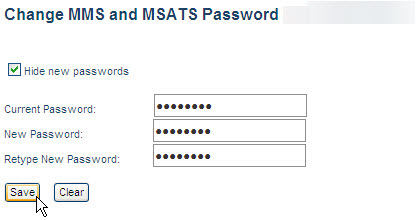
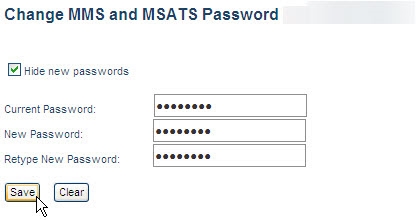
Changing your participant user password
Passwords expire every 90 days. For help with the password format, see Password format.
Participants are responsible for managing their own passwords.
- In the Markets Portal, click the drop-down arrow next to your name and then click Change Password.
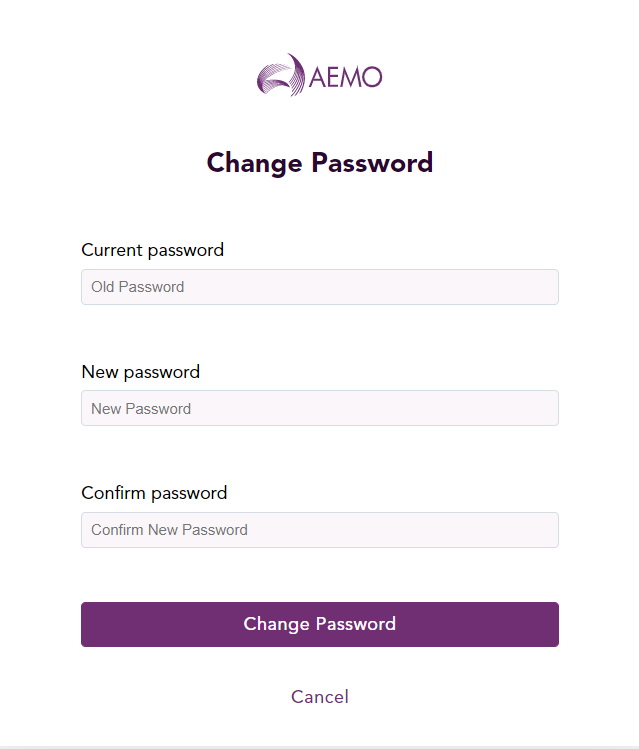
The Change Password dialog displays.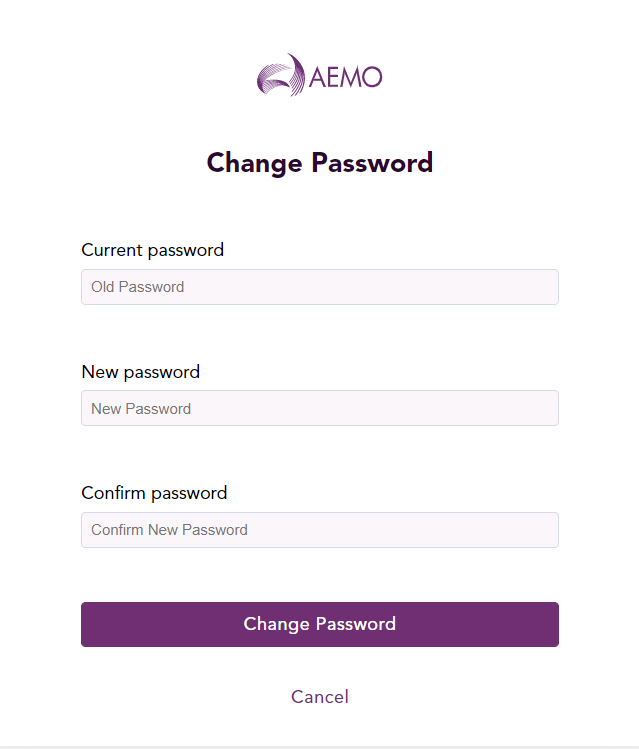
- In the Current password field, type the password you logged in with.
- In the New password field, type your new password. For help with the password format, see Password format.
- In the Confirm password field, type your new password again.
- Click Change Password. Your password has now been changed.
- Use your new password next time you login.